
Have a Question?
Compiling Custom Software
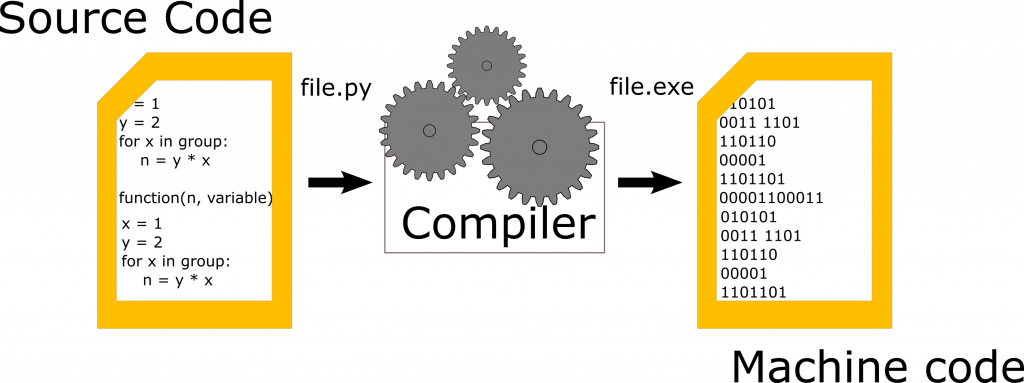
Users are able to compile their own software inside their home directories to suit their individual research requirements. Keep in mind that each software has its own list of dependencies and may have slightly different compilation steps.
Most software compiling can broken into the following steps:
-
- Downloading the program’s source files
- “Unpack” the downloaded source files
- Run “./configure”
- Run “make”
- Run “make install”
Downloading Source Files
Source files for programs are typically downloaded as “compressed files” from the official website of the program being installed. Be careful to only download “packed” files from trusted sources.
Some compression formats you may encounter are: .zip, .7zip, .tar, .tar.gz, .tar.bz2, or .tar.xz.
To get the source files to the cluster you may download them to your personal computer and then transfer them to the cluster via your preferred method. An alternative method of downloading the files to the cluster is using the “wget” utility for files available on the internet. Repositories hosted on github may be cloned to your local directory using the “git clone <repository_URL>” command.
Unpacking Source Files
Once you have the source files for your program in the desired directory they typically must be first unpacked before they can be compiled. The procedure for unpacking the file will depend upon the file extension.
The most common file extensions for linux programs, .tar.gz or .tar.bz2, may be unpacked using the native “tar” command. The basic syntax for this is “tar -xvf <file_name(.tar.gz/.tar.bz2)>”. .zip files may be “unzipped” using the “unzip” command (“unzip <file_name.zip”). If your program does not have one of the extensions listed above you may be able to download a version with one of the covered extensions on the source website.
Configuring the Program
Prior to compilation most programs must be configured. This step is important for user installed programs as the program must be installed in the user’s directory and not cluster wide. Refer to the software’s documentation for full configuration details.
For compiling in user directories the “–prefix=/home/username/installation_directory” flag should be added to the compile command i.e.
./configure –prefix=/home/username/installation_directory –OtherNecessaryFlags
Make and Make Install
For most software, after configuration in completed the program can be built with the “make” and “make install” commands. Some software will prefer to use cmake, in that case the commands will be “cmake” and “cmake install”.