
Have a Question?
vi (vim) file editor
The “vi” editor is one of the default editors available on virtually every mainstream Linux distribution. The “vim” editor may also be available on certain systems, it takes the same commands as “vi”, and includes additional features. New or existing files on in your directories can be opened with vi by simply calling “vi” plus the name of the file.
vi filename.txtThis command will open “filename.txt” and will look something like the terminal image seen in Figure 1. Newly opened vi editors start in the command mode. To edit a file, the user must enter insert mode by pressing either “i” or “a”
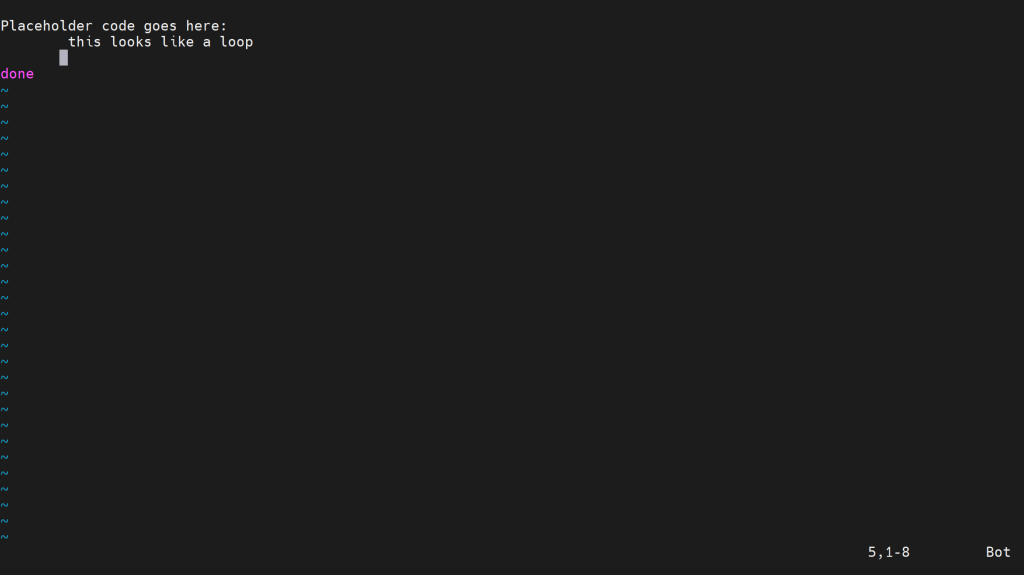
Figure 1. Example file newly opened in the vi editor
Once in insert mode, you will see a “– INSERT –” notice in the bottom left corner of your terminal (see example in Figure 2). The cursor can be moved using the arrow keys, and any character keys pressed will be inserted where ever the cursor currently is.
Backspace and the shift keys work as they commonly do in other editors, deleting or “shifting” a character.
Insert mode can be exited by pressing the escape key (Esc).
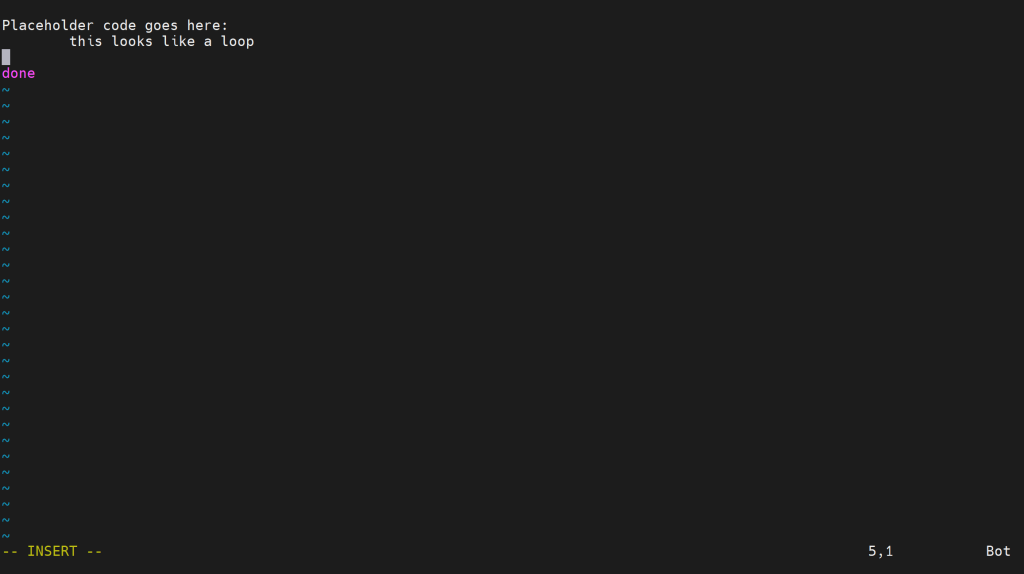
Figure 2. A user in insert mode
The command mode, as its name implies, allows the user to submit commands to vi. Characters typed during command mode will appear at the bottom left of the editor (see Figure 2).
- – Most commands in vi start with a colon!
Several core commands are:
- “q!” which exits the editor without saving
- “wq” saves the file and then exits
- “w!” saves the file without exiting
- “!” exits the file temporarily, but reenters whenever an additional key is pressed
After being written, commands are submitted by pressing the enter key.
Many other resources exist online to learn additional vi and vim commands and tricks. Here are several to get you started.
- A basic from scratch tutorial
- A video showing these commands in action
- A fun interactive web game that covers the basics
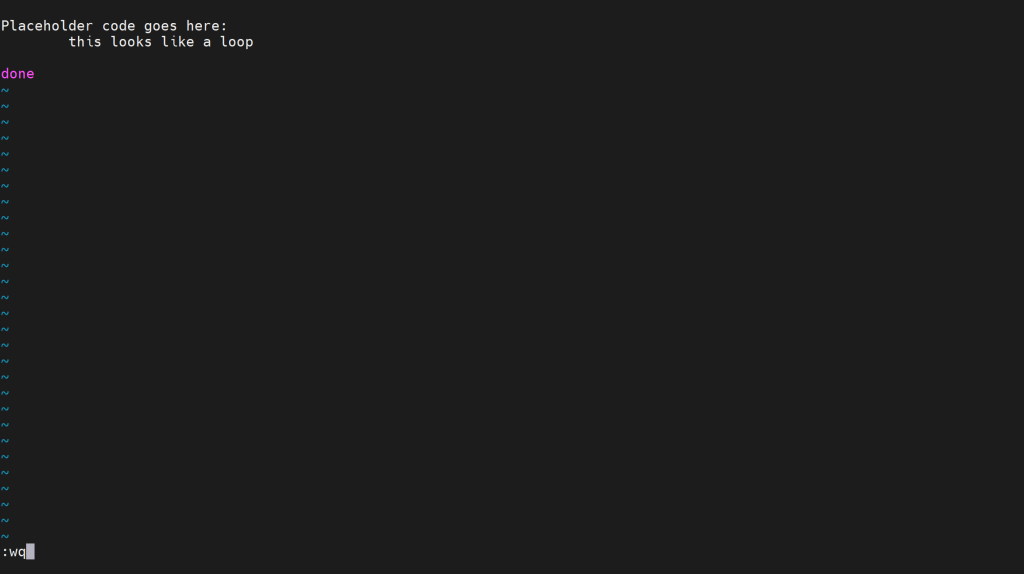
Figure 3. A user in command mode saves and exits the file by typing a colon, “wq” and pressing the enter key.